
這是一個圖文教程,教大家如何註冊並使用會員專區。
This is a step-by-step guide showing you how to sign up for and use the Members’ App step by step.
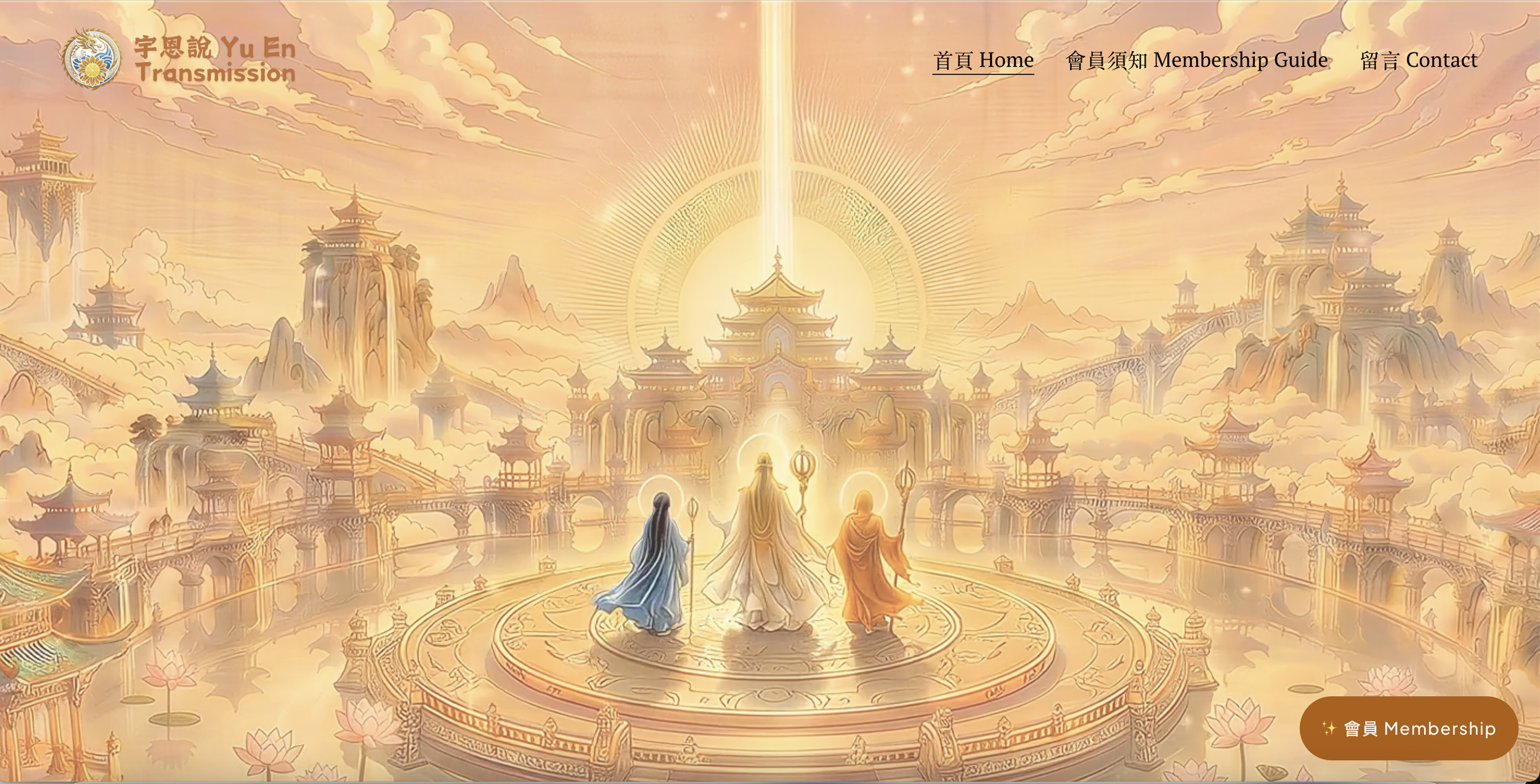
點右下角「會員Membership」
Tap the orange “會員Membership” button in the bottom-right corner.
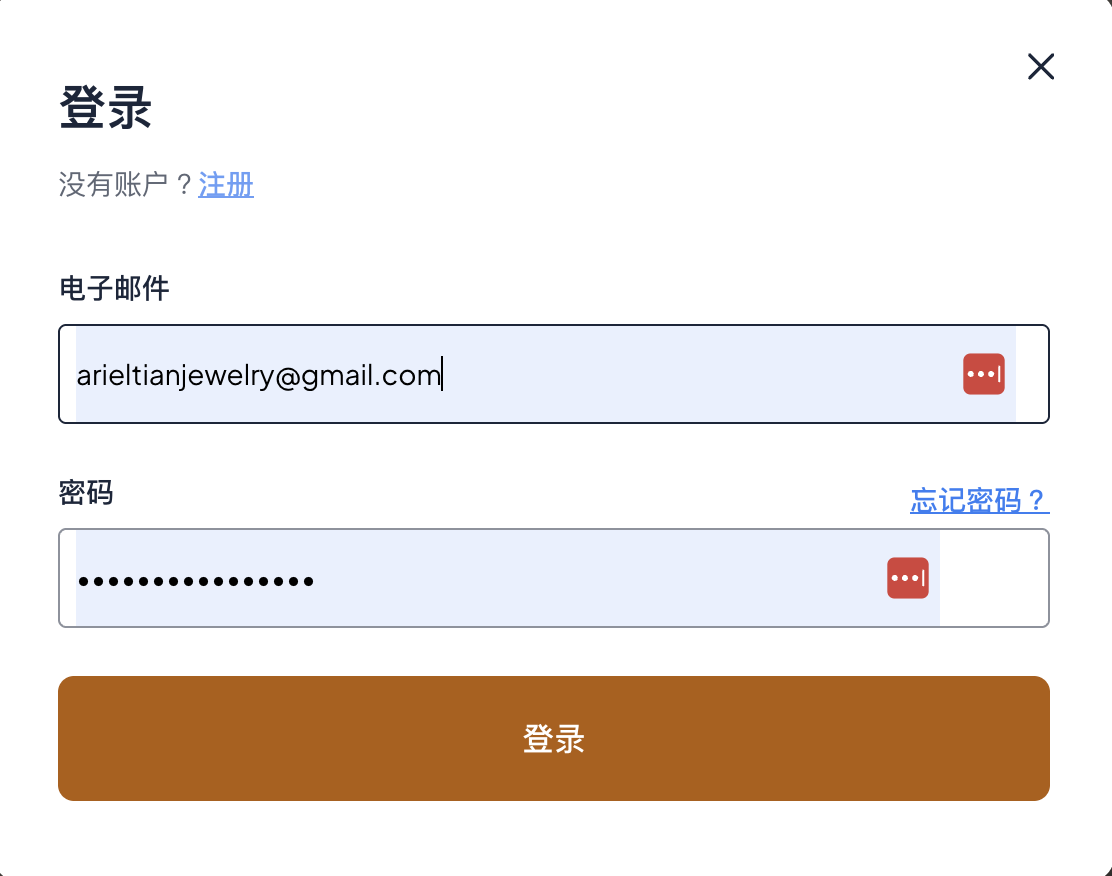
點左上角的「註冊」
Tap “Sign Up” in the top-left corner of the dialog box.
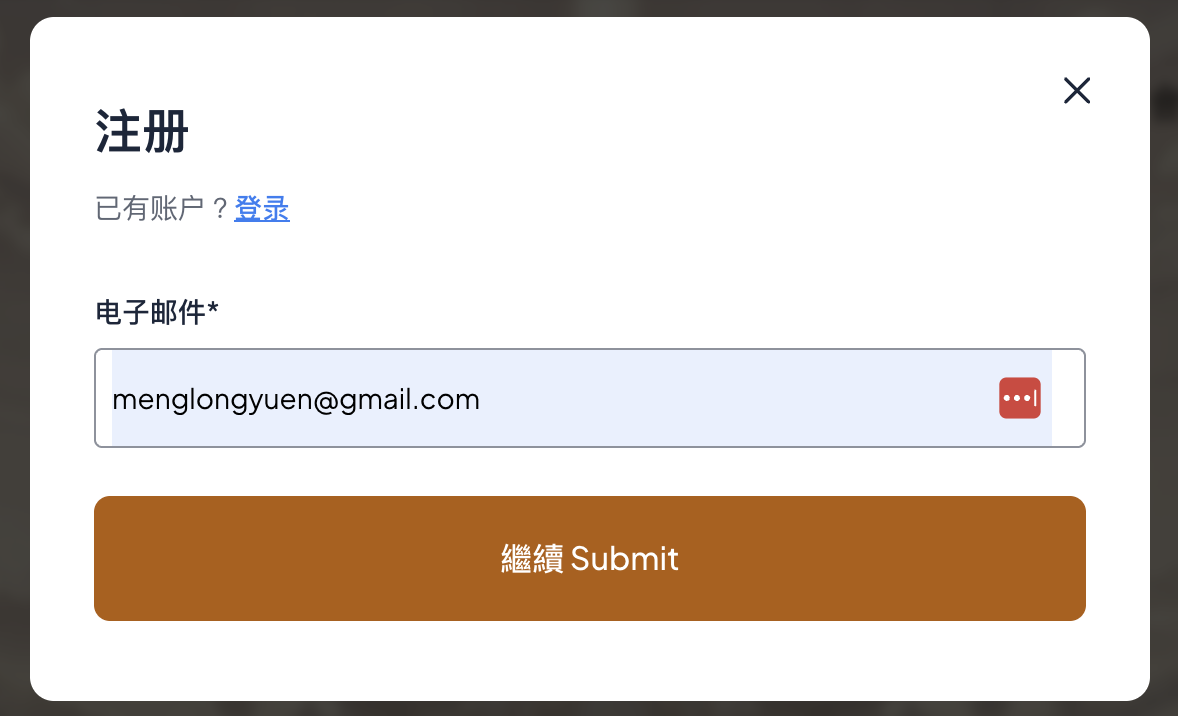
輸入郵箱,點「繼續 Submit」
Enter your email address then tap “繼續 Submit”
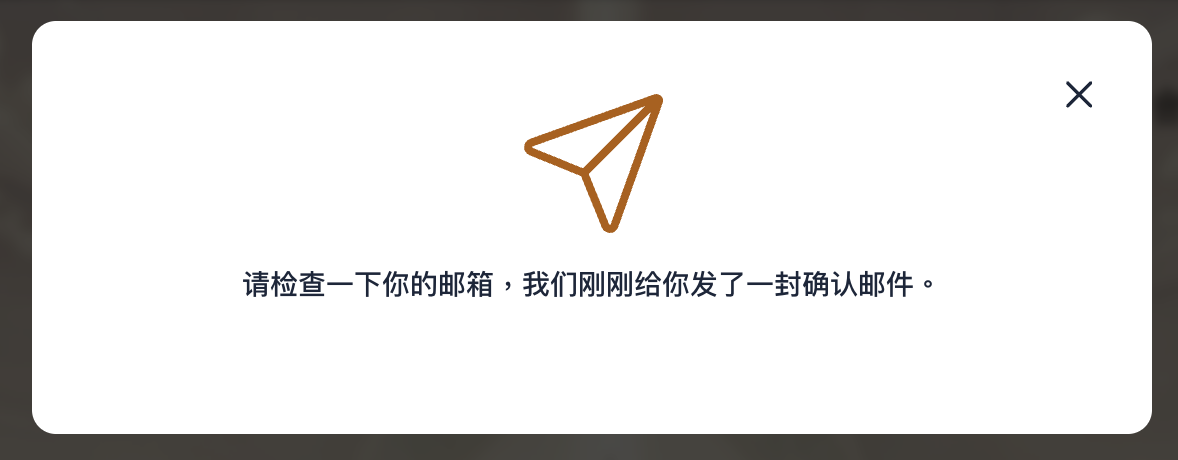
查郵箱裡的確認郵件
Check your inbox for the confirmation email.
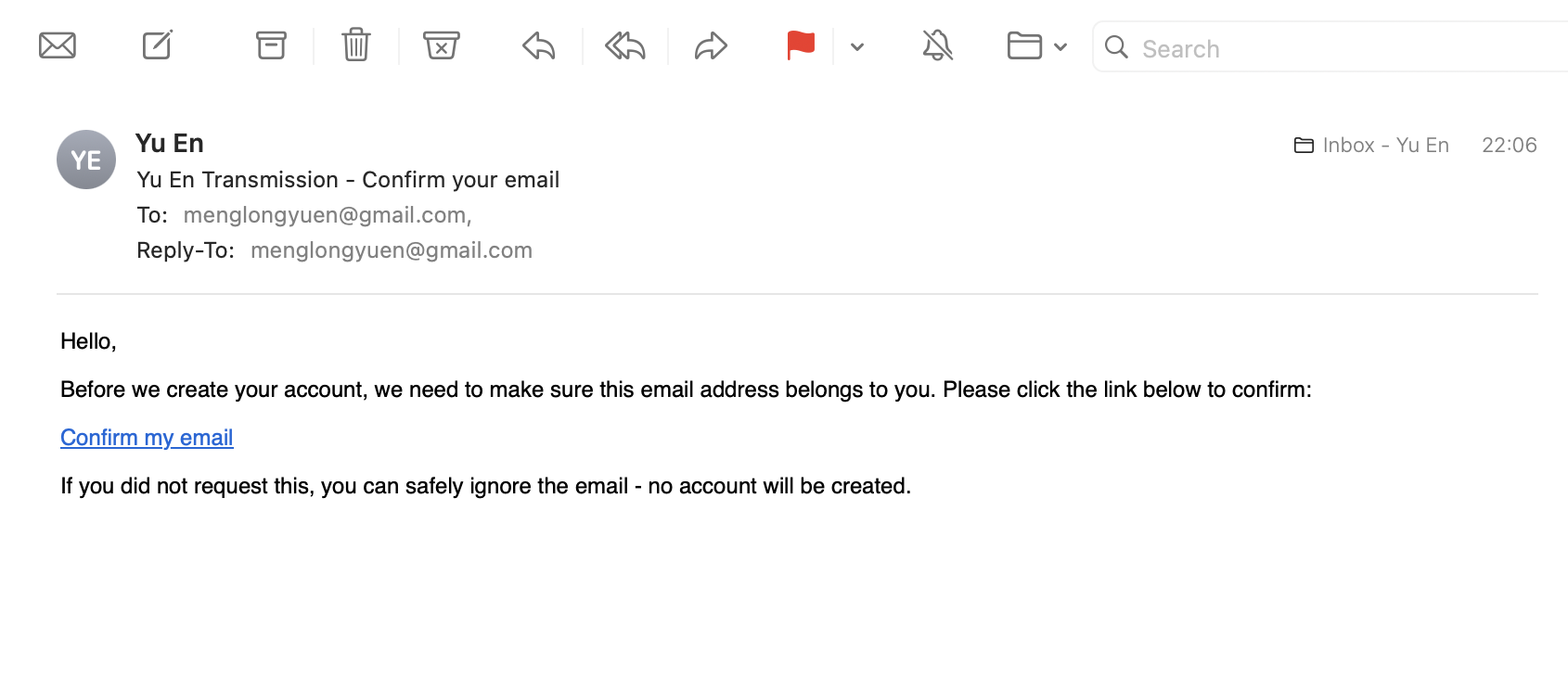
點藍色字的「Confirm my email」
Click the blue “Confirm my email” link.
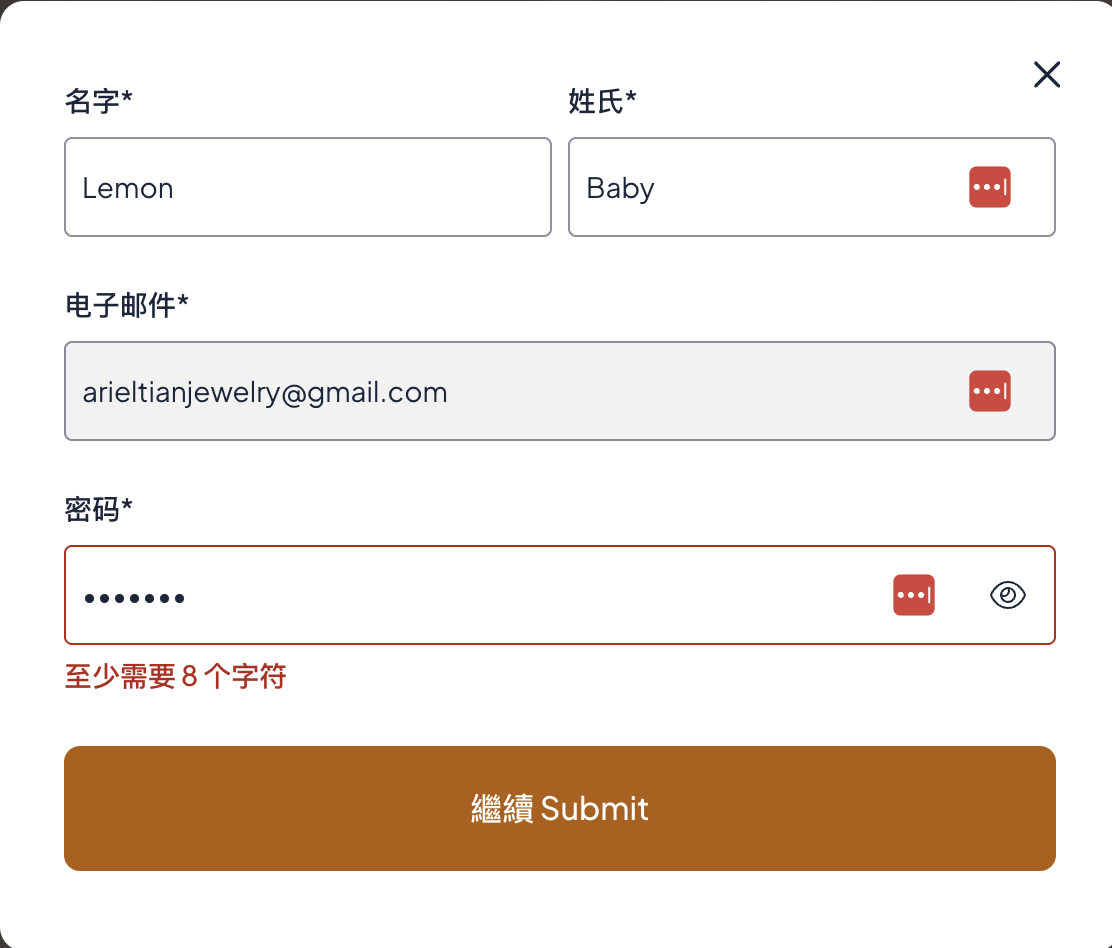
輸入暱稱(請不要用真名)、註冊郵箱和密碼(至少8個字符)
Enter a nickname (please do not use your real name), your registration email (default), and a password (at least 8 characters).

Make it stand out
等待管理員批准
Wait for the administrator to approve your account.
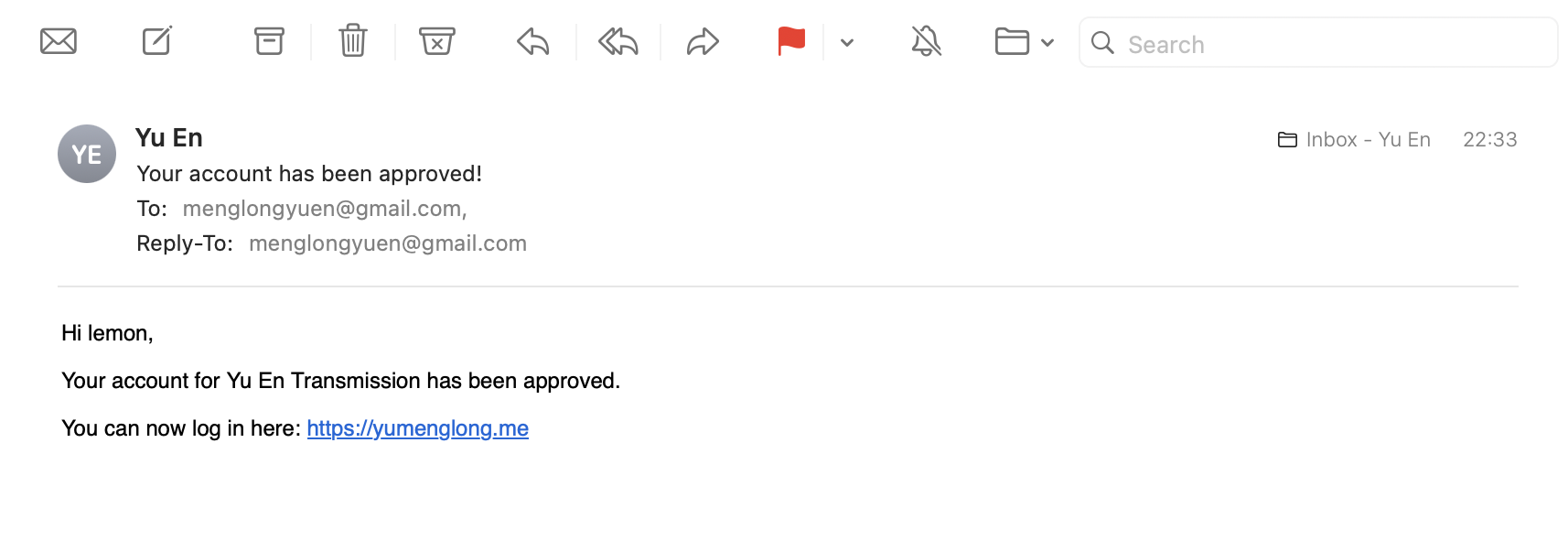
批准後會收到確認郵件
Once approved, you will receive a confirmation email.
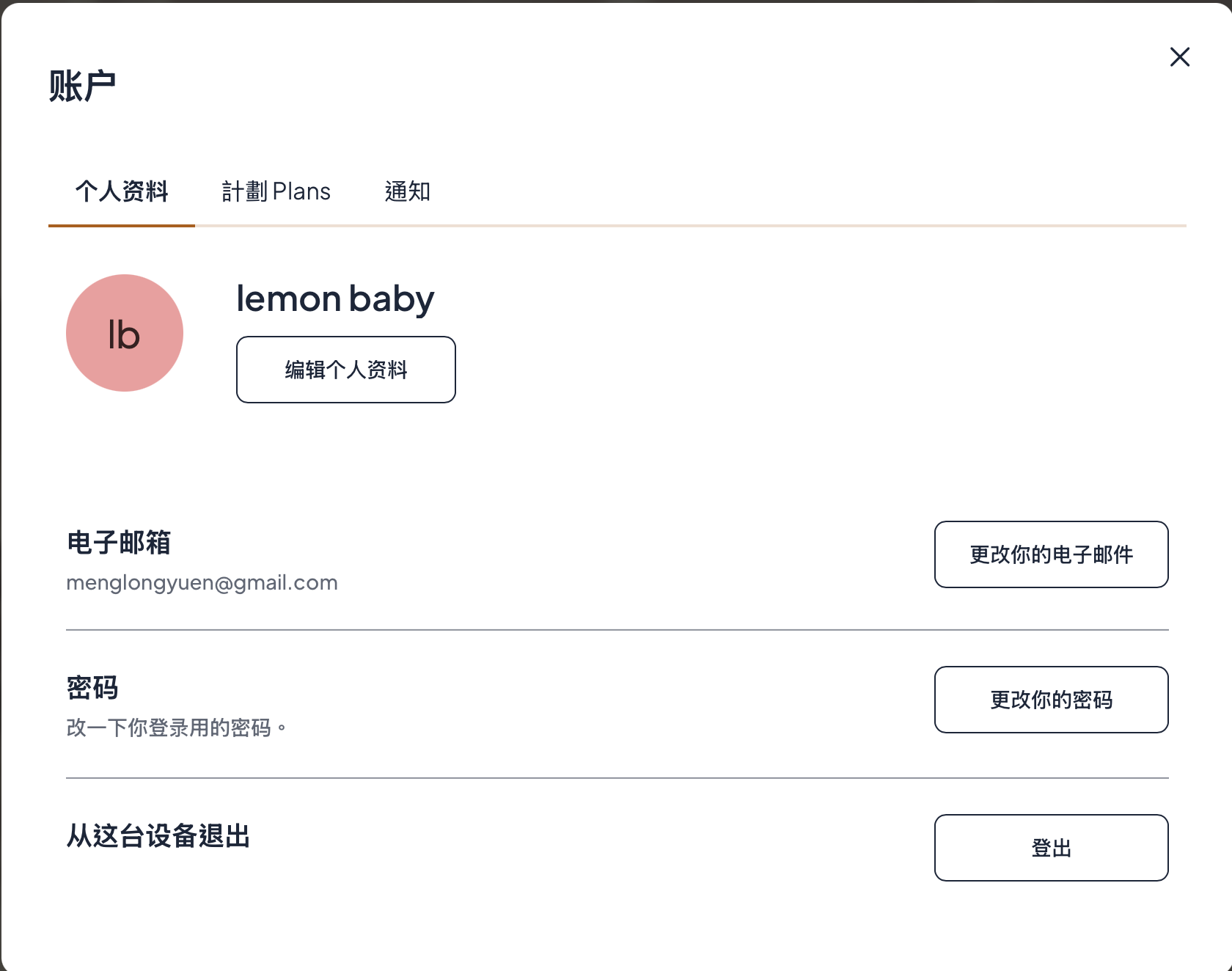
然後您就進入了登錄頁面,點「計劃 Plans」
You will then be taken to the login page. Click “計劃 Plans.”
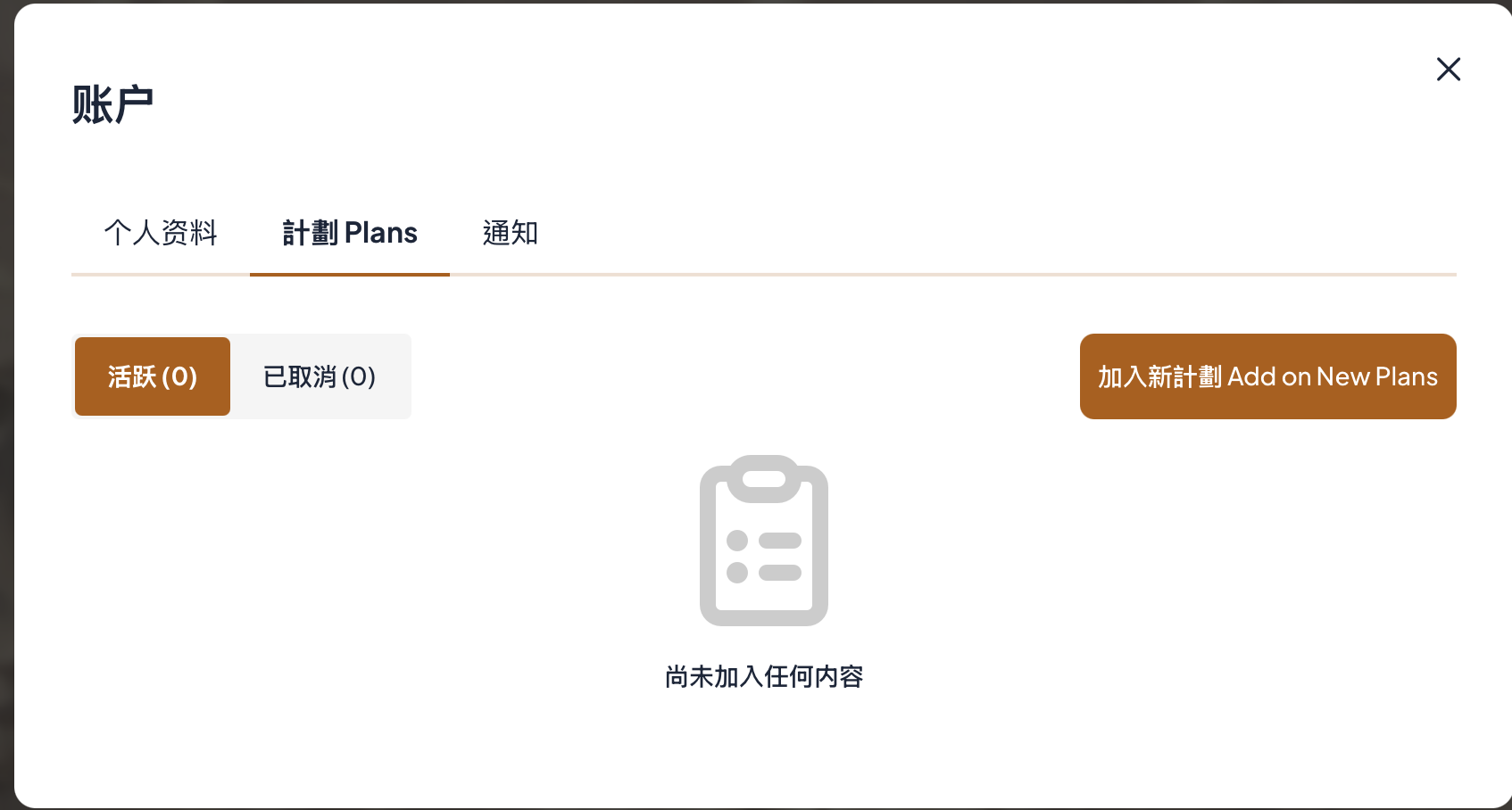
然後點計劃 「加入新計劃 Add on New Plans」
Then tap 「加入新計劃 Add on New Plans」
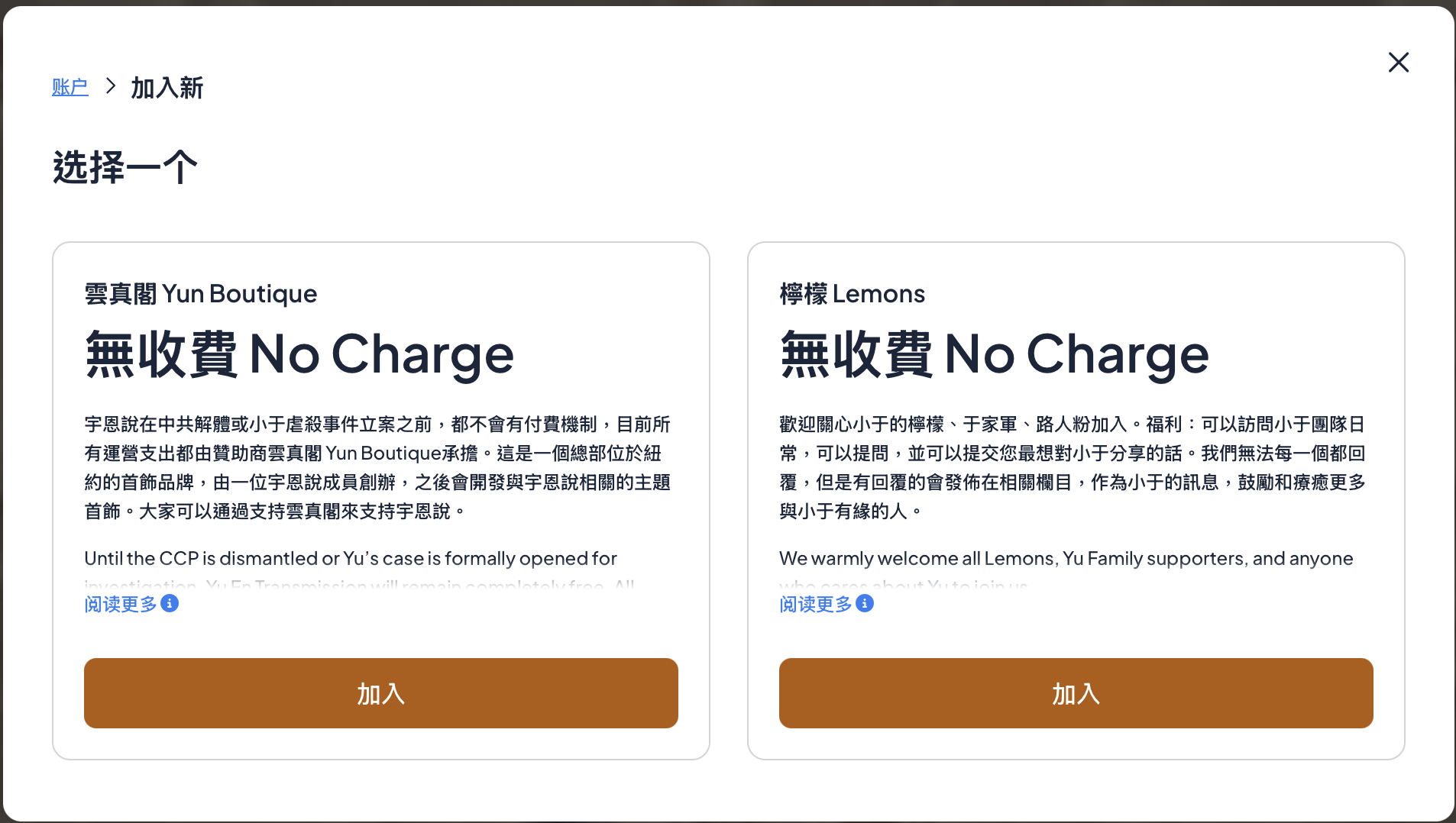
選擇會員社區,點「加入」
Select the Membership Community and click “加入(Join).”
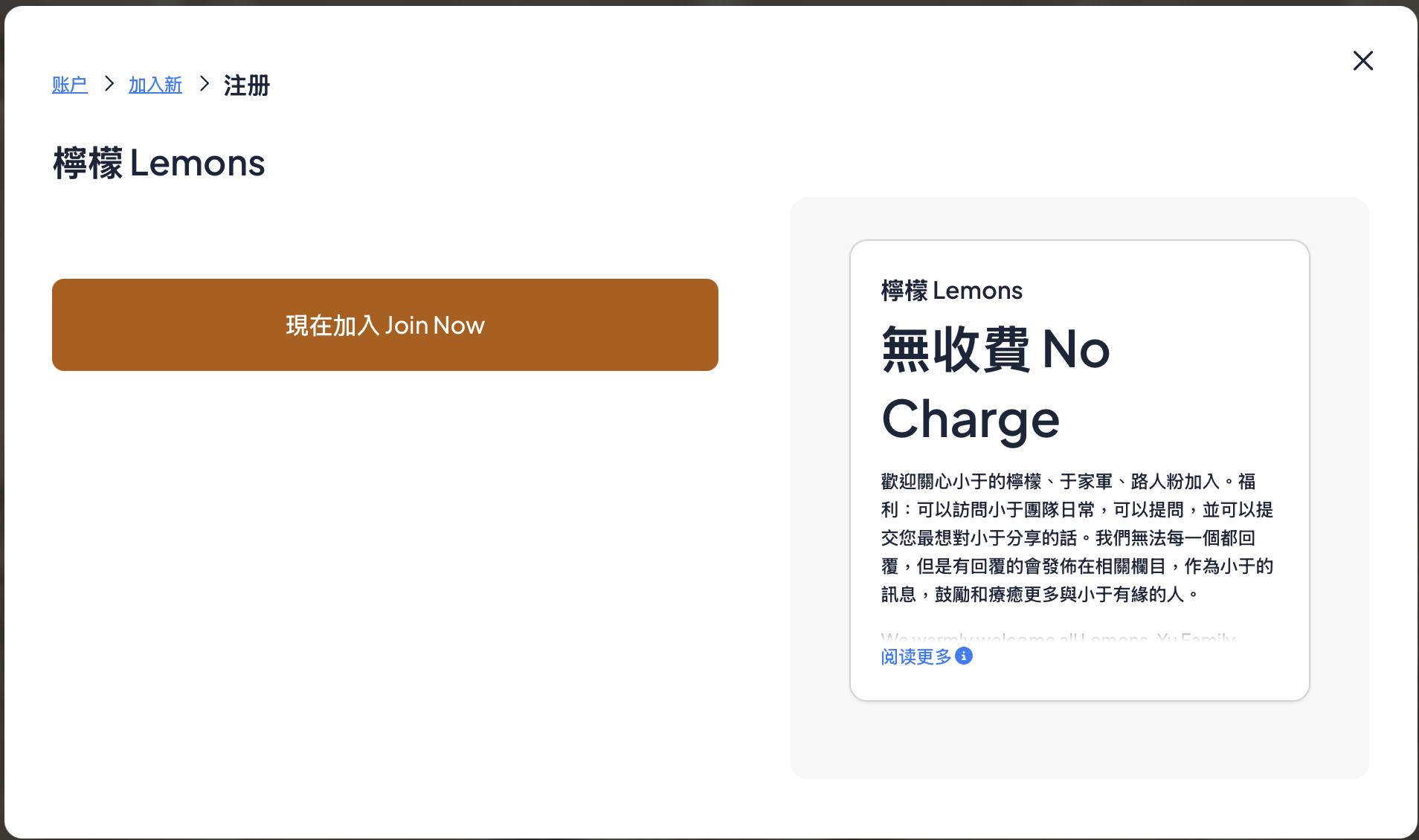
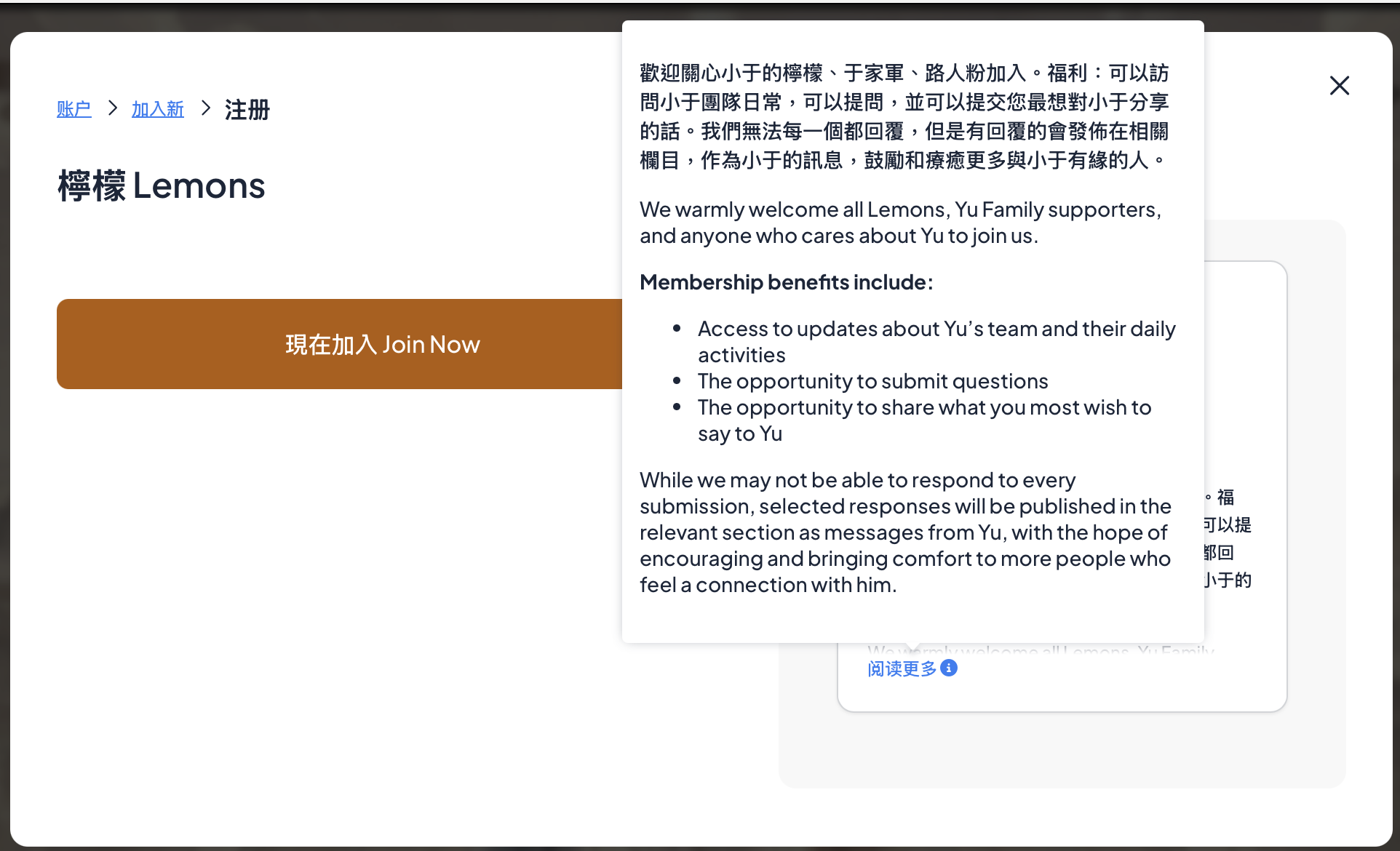
鼠標移到藍色的「閱讀更多」獲取更多會員社區訊息。點「現在加入 Join Now」
Hover over the blue “閱讀更多(Read More)” to see more information about the Membership Community. Tap “現在加入 Join Now”
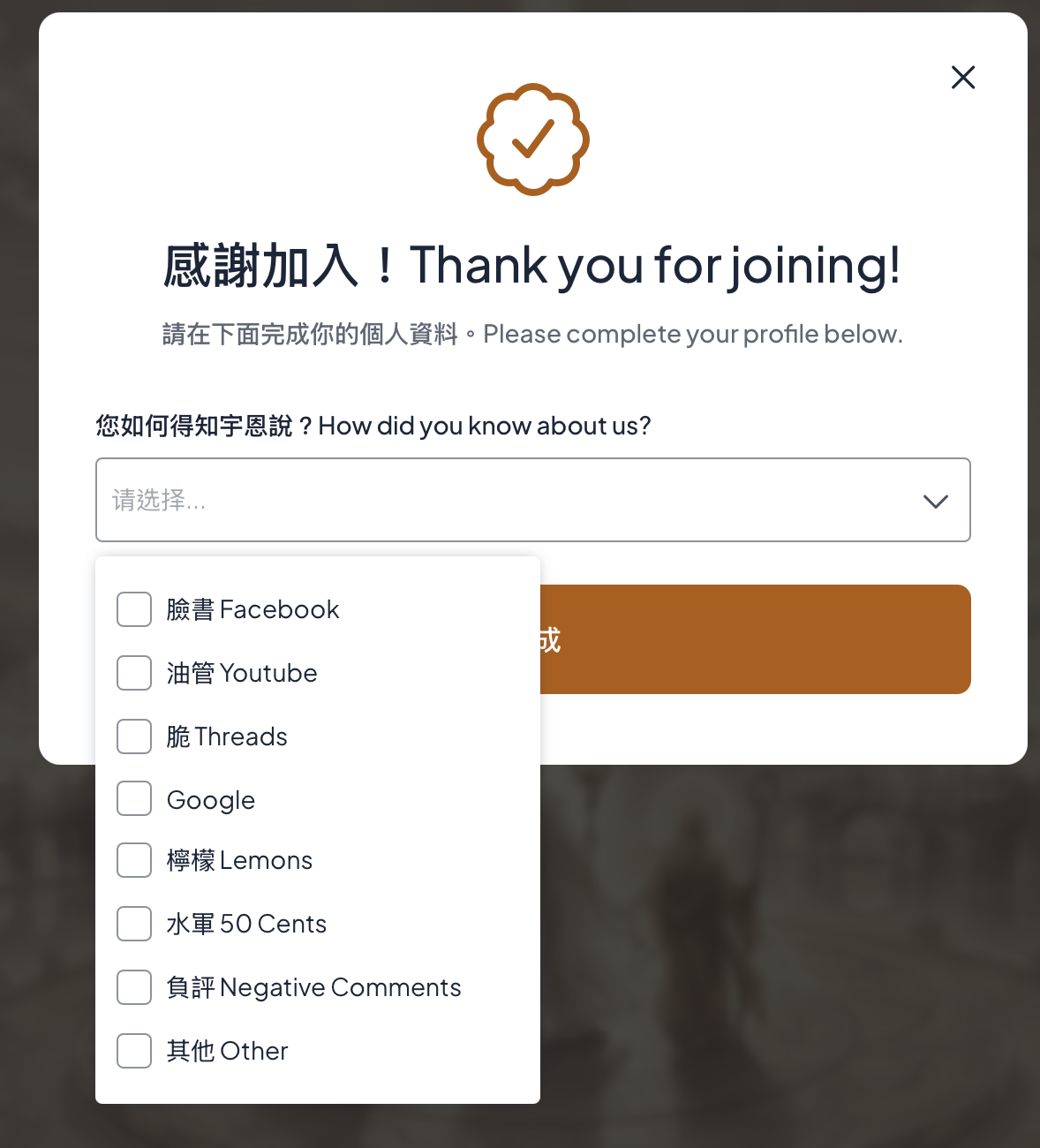
填寫調查問卷
Complete the survey.
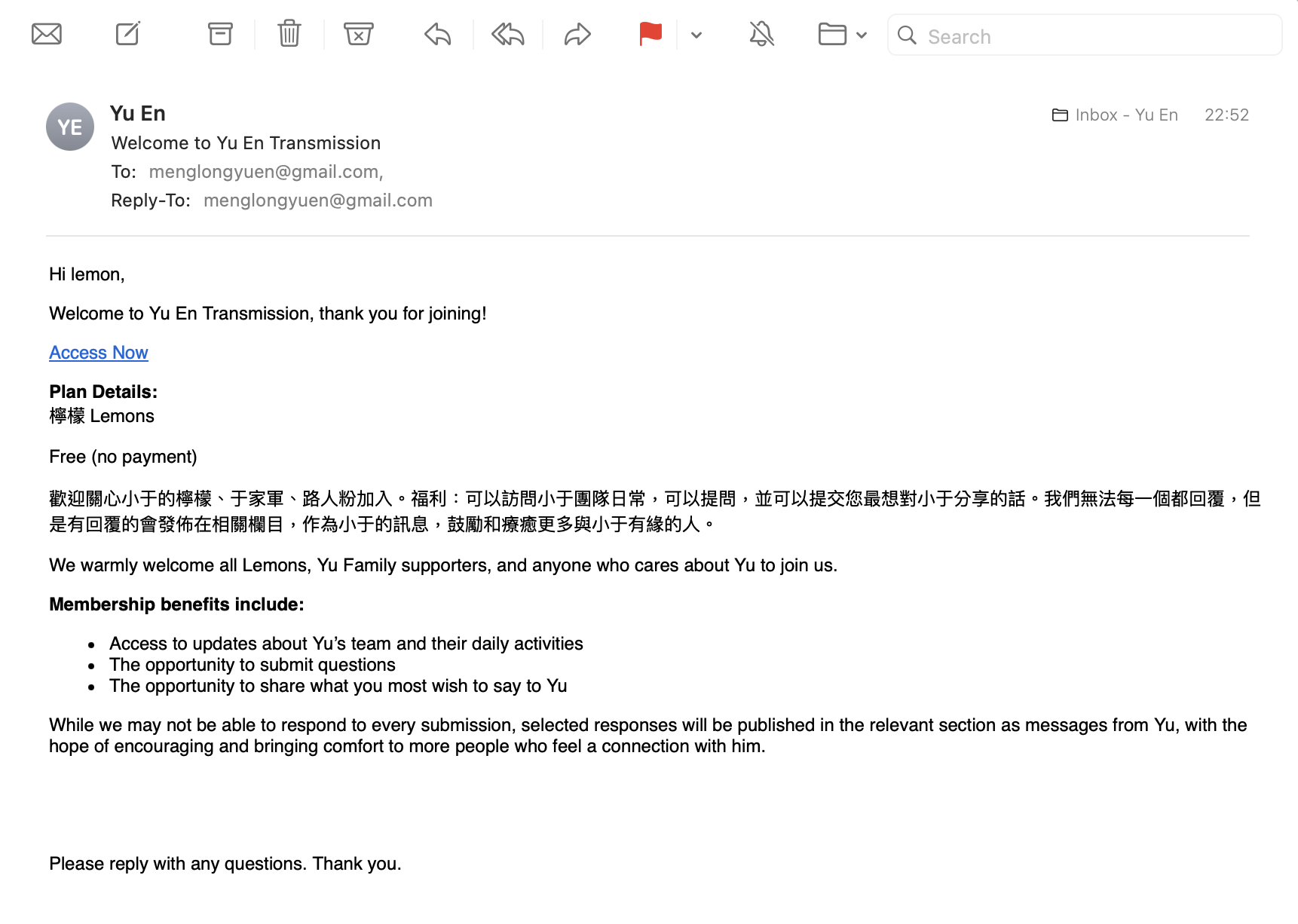
在確認郵件中點藍色的「Access Now」
Click the blue “Access Now” button in the confirmation email.
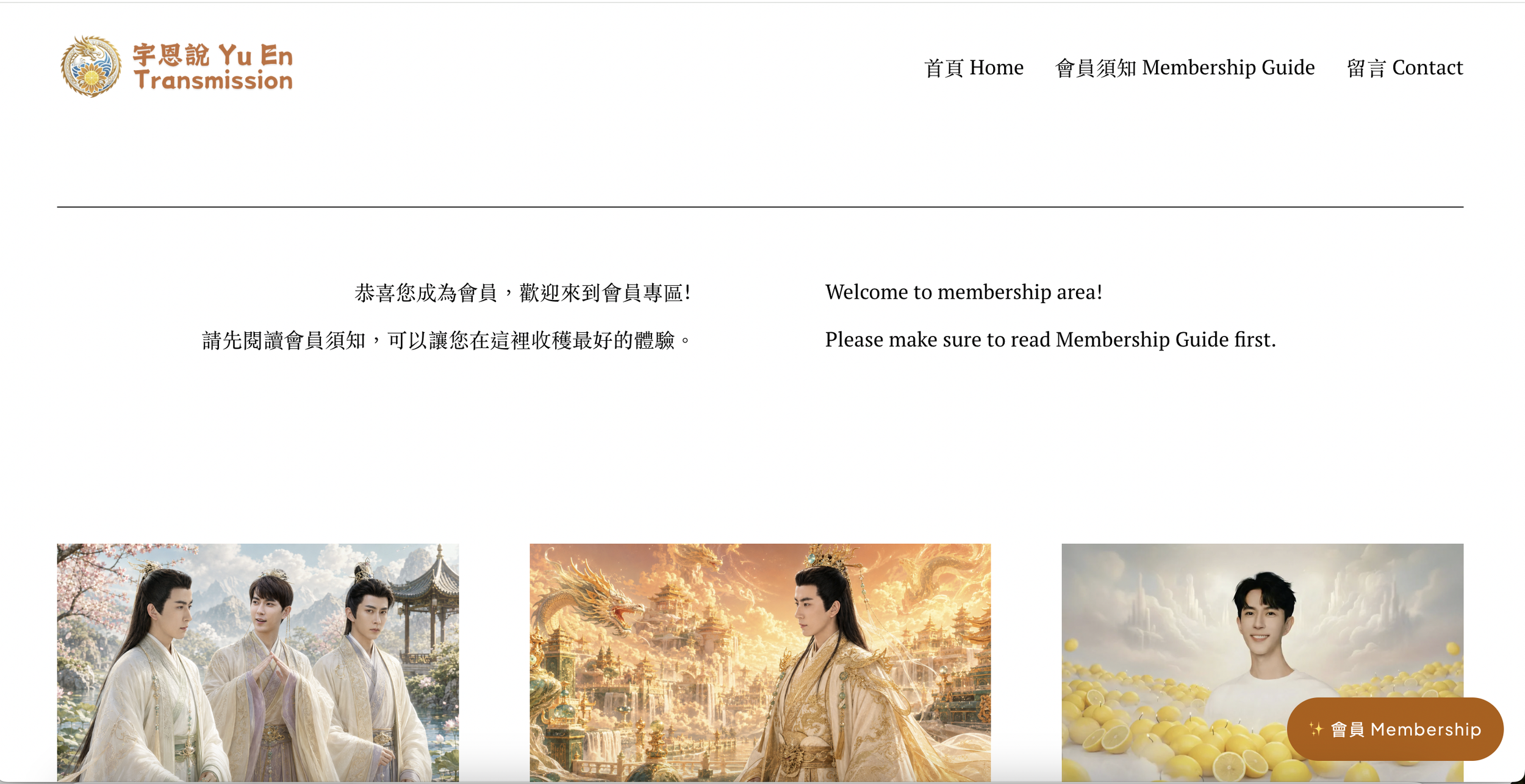
您就來到了會員專區頁面。在登入的狀態下點擊右下角「會員 Membership」
You’ll then be taken to the Membership’ Page. While logged in, click “Membership” button.
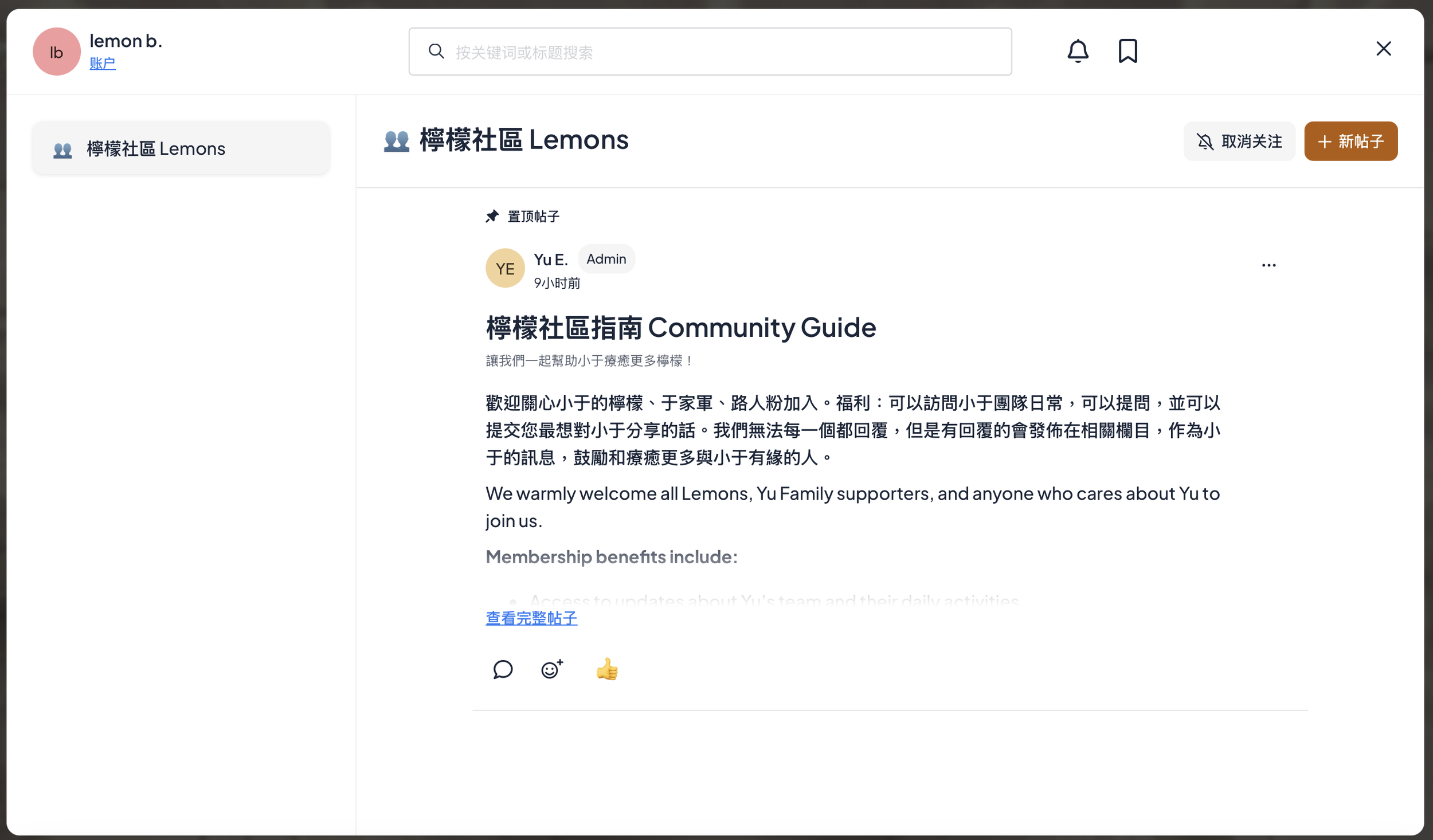
然後您就來到了會員社區。您可以發帖並和大家互動啦~點左上角的帳戶,您就回到了會員首頁。
You’ll then be taken to the Membership Community. You can now post and interact with everyone!
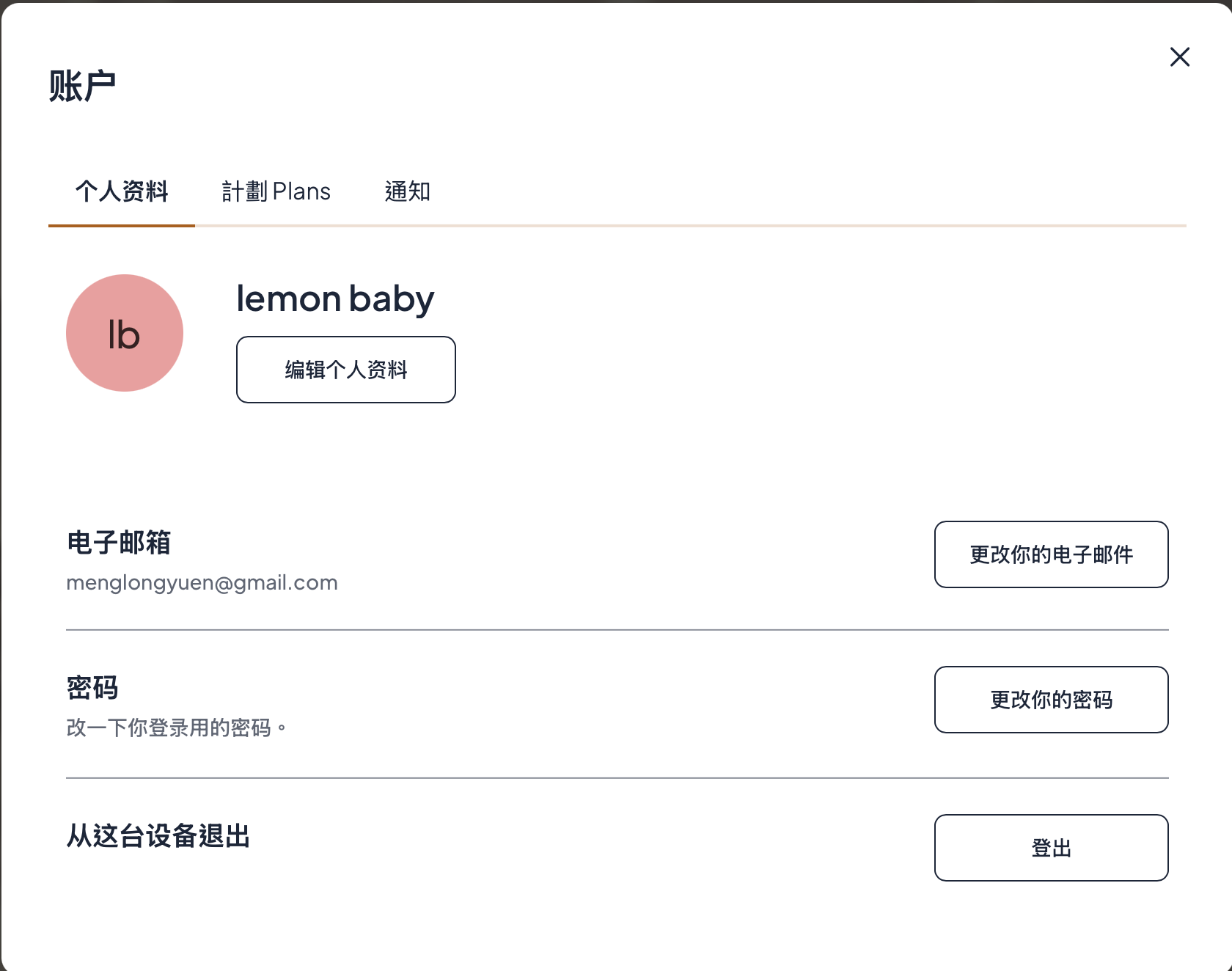
這就是會員首頁的介面
This is what the Membership homepage looks like.
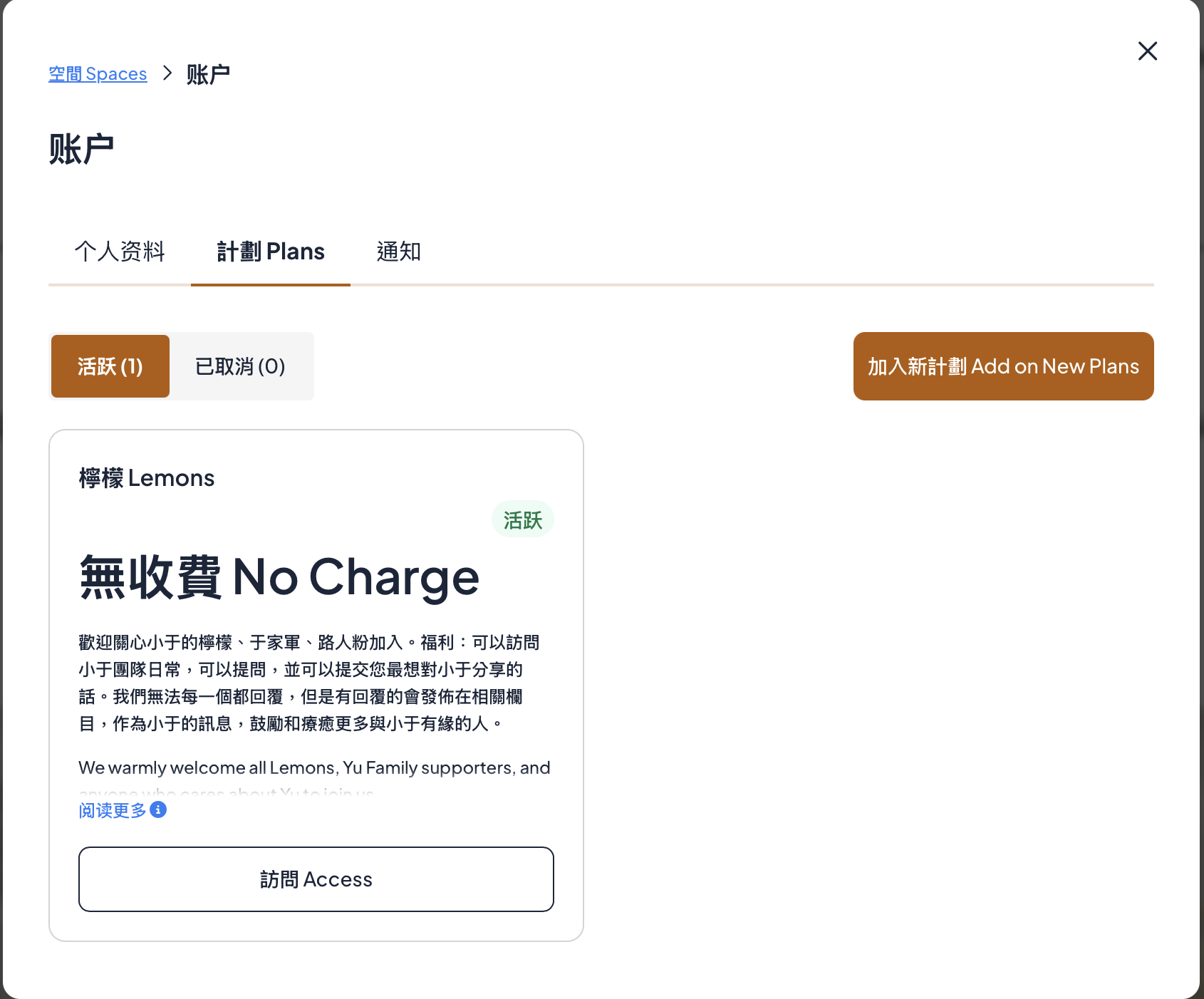
在會員首頁點「計劃 Plans」就到了這個介面,再點「訪問 Access」就可以隨時訪問會員專區頁面。
On the Membership homepage, click “Plans” to access this page. Then click “Access” to visit the Members’ Area anytime.